Rings on both
A call-back rings your iPhone and Chrome together. Answer on either one.
HandRaise runs on your iPhone and in Chrome, with the same screens in both. When a seller calls back, your phone and your browser ring at once, and whichever you answer takes the call.
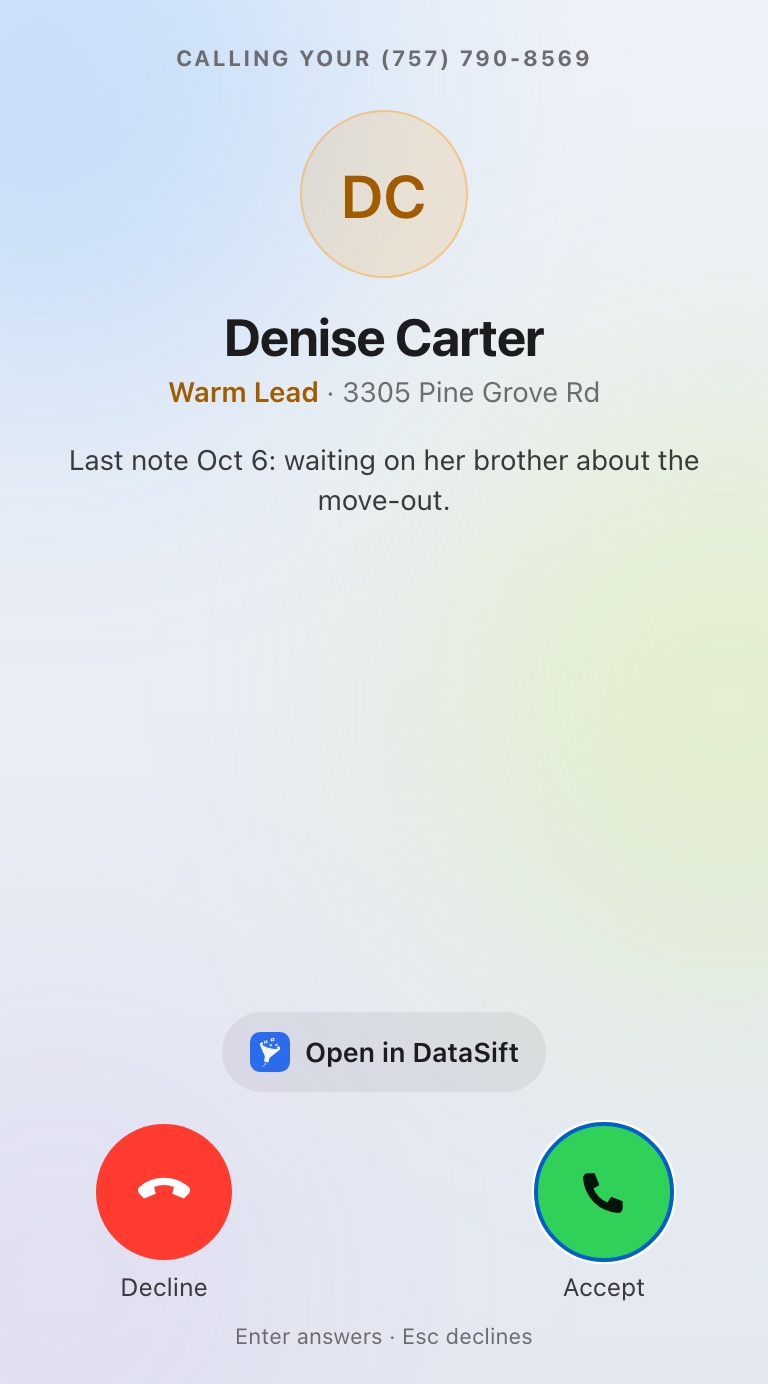
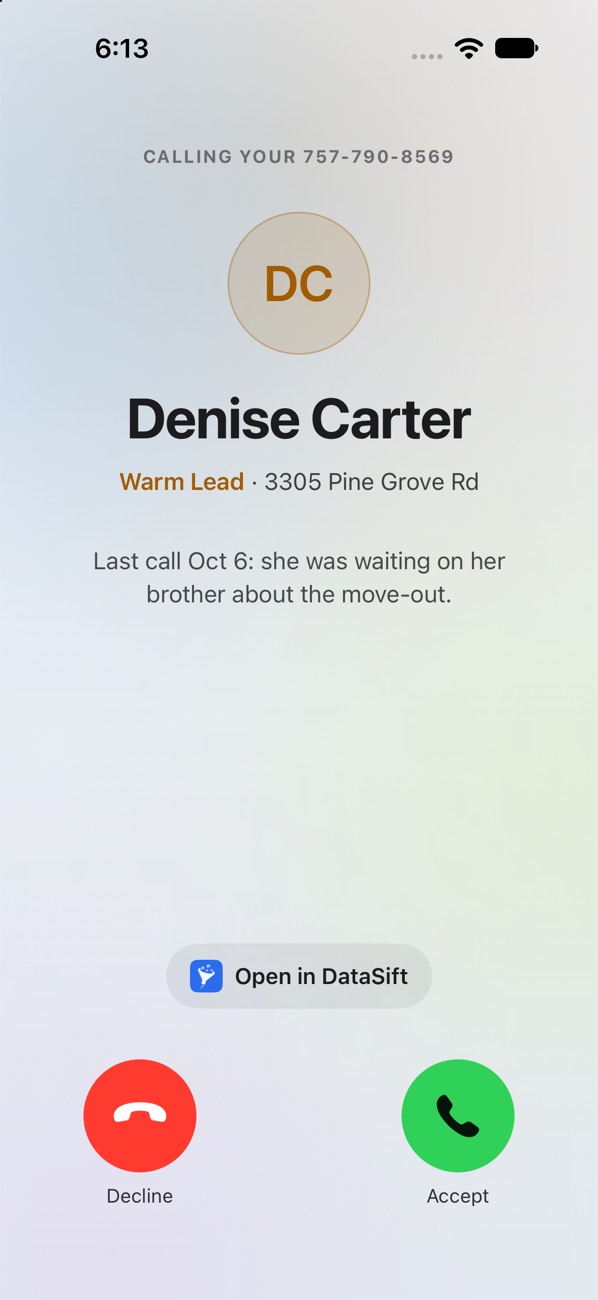
A call-back rings your iPhone and Chrome together. Answer on either one.
Their name, status and your last note show up before you answer.
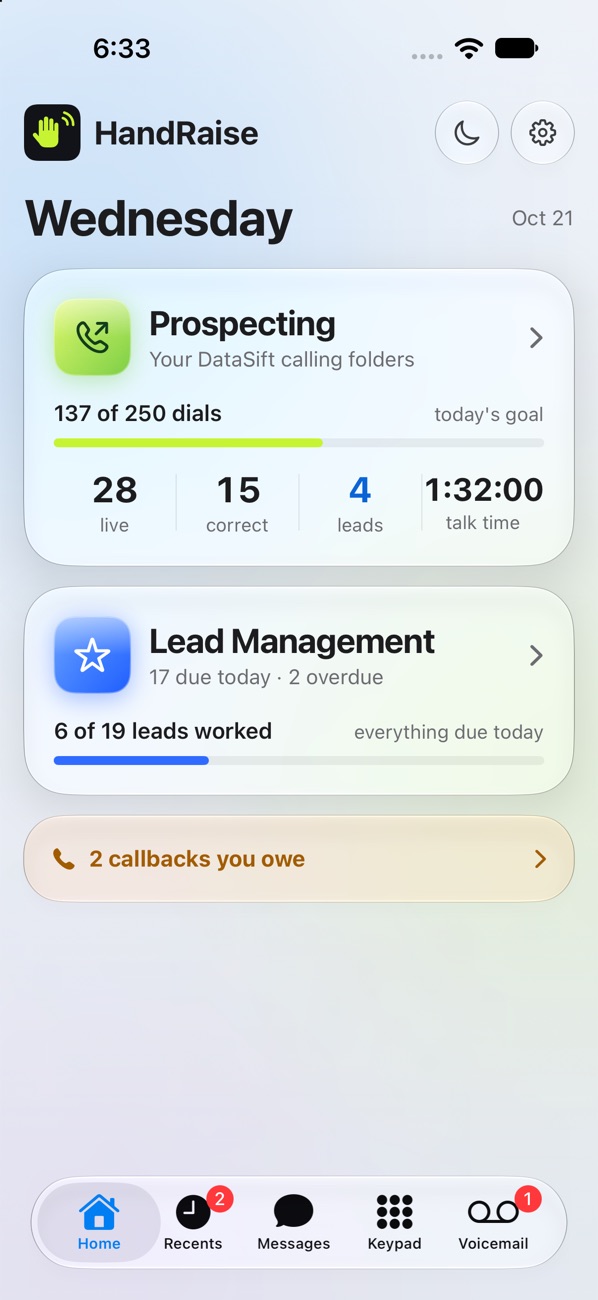
Folders, goals and the number you call from are the same in both apps.
Record your voicemail greeting on your phone. Every missed call hears your voice.
Dial, take call-backs, read voicemails and text sellers from your phone, with your day's numbers on the home screen.
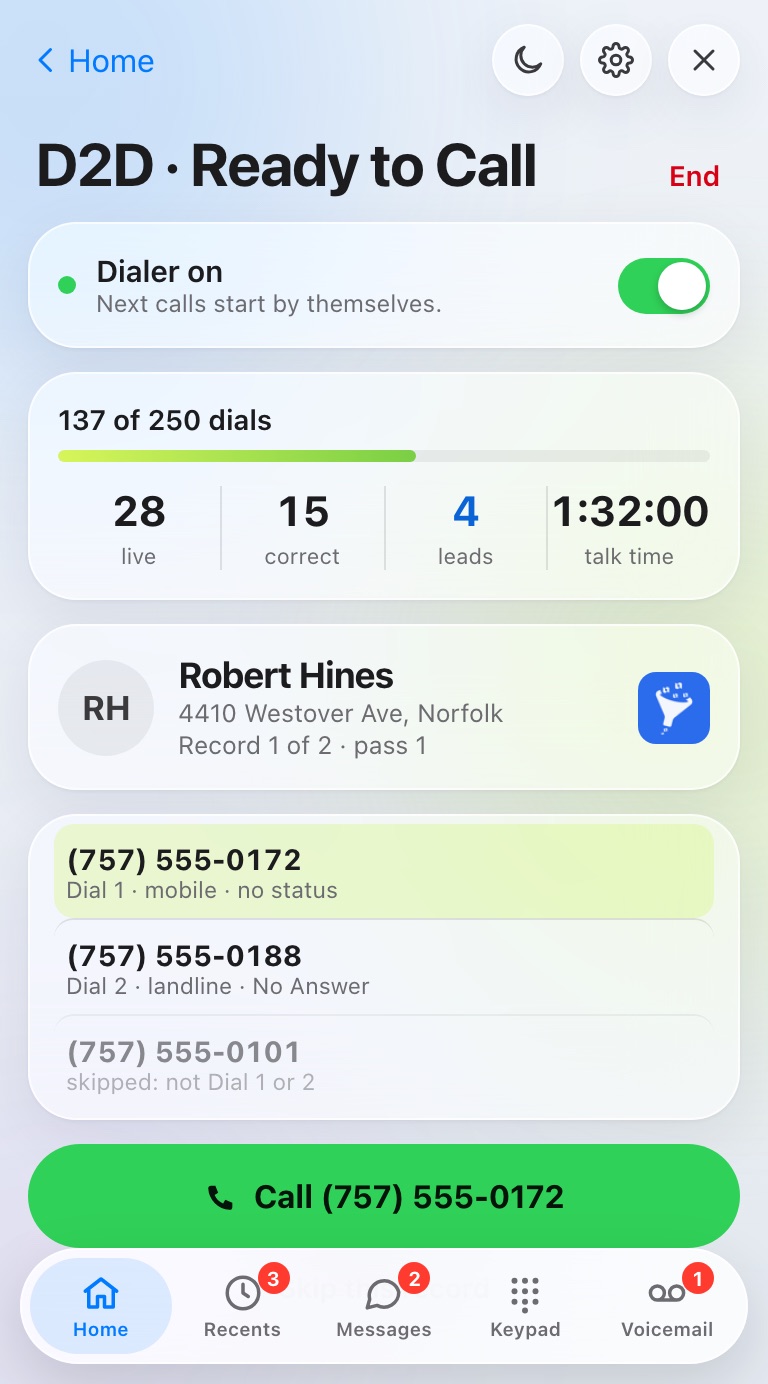
Click the HandRaise icon in Chrome and the panel opens over your DataSift page. It stays put as you move between records and closes with one click.
No. Use either one, or both. Every seat includes the iPhone app and the Chrome extension.
Your iPhone and Chrome ring at the same time and show who's calling, their status and your last note. Answer on either one.
Not yet. Today HandRaise runs on iPhone and in Chrome on your computer.
No. It opens when you click the HandRaise icon and stays out of the way until you do.
Yes, in one tap, in either app. The number you pick is the one used everywhere you call from.
$199 a month for your first seat, $175 a month for each added seat. First 7 days free, then month to month. Cancel anytime.